AI Lip Sync Videos: How to Add Voice to Images Without Recording Audio
Published on: 12 October 2026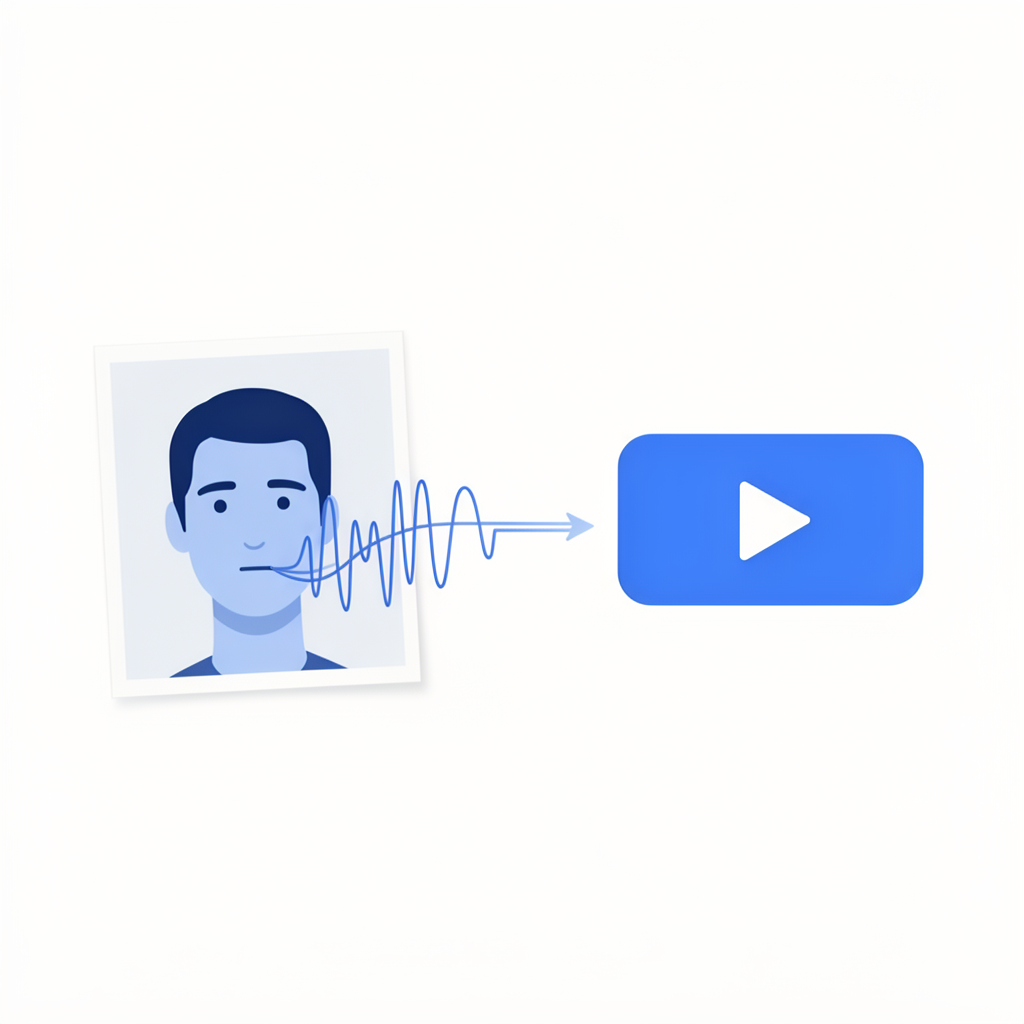
Table of Contents
- What Is AI Lip Sync Video?
- Why Lip Sync Video Works So Well for Business
- How AI Lip Sync Technology Works
- Step-by-Step: Create an AI Lip Sync Video
- Best Business Use Cases for Lip Sync Videos
- Tips for Natural-Looking Lip Sync Results
- Frequently Asked Questions
1. What Is AI Lip Sync Video?
AI lip sync video is a technology that takes a still image of a face and animates the mouth, jaw, and subtle facial expressions to match a spoken audio track — making it appear as though the person in the image is speaking the words in real time.
You provide two things: an image of a face, and either a written script or an audio file. The AI generates a video where the face delivers your message with realistic mouth movement, natural head motion, and lifelike expression — without any filming, recording studio, or on-camera talent required.
The result looks and feels like a real presenter speaking directly to your audience, created entirely from a photo and a few lines of text.
2. Why Lip Sync Video Works So Well for Business
The reason lip sync video is so effective for business comes down to how humans respond to faces. We are wired to pay attention to a person speaking to us. A face delivering a message holds attention longer, builds trust faster, and feels more personal than text, static images, or even traditional motion graphics.
Until recently, getting that effect required either putting yourself on camera or hiring an actor. AI lip sync removes both of those requirements entirely.
For business owners who are camera-shy, who want to maintain privacy, or who simply do not have the time or equipment to film content, AI lip sync video is the most direct route to professional presenter-style video without any of the traditional overhead.
Websistant's AI video generation includes lip sync video as a core feature, letting you create realistic talking head videos from a single image and a script directly from your browser.
3. How AI Lip Sync Technology Works
The technology behind AI lip sync combines facial landmark detection, motion synthesis, and audio analysis.
Audio analysis breaks down your script or voiceover into individual phonemes — the distinct units of sound that make up spoken language. Each phoneme corresponds to a specific mouth shape.
Facial landmark detection identifies the key points of the face in your source image: the corners of the mouth, the jaw line, the lips, the chin. These landmarks are what the AI animates.
Motion synthesis then generates frame-by-frame animation that moves the facial landmarks in sync with the phoneme sequence from the audio. At the same time, subtle secondary motion — slight head movement, blinking, micro-expressions — is added to make the result feel natural rather than static.
The final output is a video where the face appears to speak the words from your script, with timing and expression that closely matches natural human speech patterns.
4. Step-by-Step: Create an AI Lip Sync Video
Step 1 — Choose your face image. Select a clear, front-facing photo of the face you want to animate. This can be a licensed stock photo, an AI-generated face, an illustrated avatar, or — if you are comfortable — a photo of yourself. The image should be well-lit, with the face centred and unobstructed. Avoid sunglasses, heavy shadows across the face, or extreme angles.
Step 2 — Write your script. Write what you want the presenter to say. Keep sentences short and natural — write the way people speak, not the way they write. Aim for 60 to 150 words for a 30 to 60 second video. Read it aloud before submitting to check the pacing feels natural.
Step 3 — Choose a voice or upload your own audio. Select an AI voice from the available options, choosing one that fits your brand tone and target audience. Most platforms offer a range of accents, genders, and speaking styles. Alternatively, if you want to use your own voice, record a clean audio file and upload it instead of using an AI voice.
Step 4 — Generate your lip sync video. Go to Websistant's AI lip sync video tool, upload your face image, enter your script or upload your audio, and generate. The AI will produce a finished MP4 video with the face delivering your message in sync with the audio.
Step 5 — Review and refine. Watch the output carefully, paying attention to the lip sync accuracy around words with open vowels and hard consonants, as these are where imperfections are most noticeable. If needed, simplify the script or re-upload a higher resolution face image and regenerate.
Step 6 — Export and deploy. Download the MP4 and use it on your website, in your email campaigns, on social media, or in paid advertising.
5. Best Business Use Cases for Lip Sync Videos
Website welcome video. A lip sync presenter on your homepage welcomes visitors, explains what your business does, and directs them to the right page — all without you needing to film anything.
Product explainer videos. A presenter walks through the features and benefits of a product or service directly on the product page, increasing time on page and conversion rate.
Social media content. Short lip sync clips perform well on Instagram Reels, TikTok, Facebook, and LinkedIn as organic content — especially when the presenter delivers a useful tip, a quick answer, or a compelling offer.
Email video thumbnails. A lip sync video thumbnail in a marketing email — showing a presenter about to speak — drives significantly higher click-through rates than static image emails.
Online course lessons. Replace text-heavy lesson slides with a presenter who delivers the content directly, making online courses feel more engaging and personal.
Multilingual content. Generate the same lip sync video with different audio tracks in different languages. The same face image works across all versions, making multilingual video production scalable and affordable.
6. Tips for Natural-Looking Lip Sync Results
- Use a high-resolution face image. The quality of the source image directly determines the quality of the lip sync animation. A sharp, well-lit photo produces significantly better results than a blurry or low-resolution one.
- Avoid extreme facial expressions in the source image. A neutral or slight smile works best as the starting position for lip sync animation. Wide open mouths or strong expressions in the source image can interfere with natural-looking results.
- Keep sentences short. Long, complex sentences with many syllables close together are harder for the AI to animate naturally. Short sentences with natural pauses between them produce cleaner lip sync.
- Speak slowly in your voiceover. If you are recording your own audio, speak at a slightly slower pace than you normally would. This gives the AI more time per phoneme and produces more accurate animation.
- Add captions. Even with a high-quality lip sync video, captions improve accessibility and ensure your message reaches viewers watching without sound.
- Test on mobile. Most viewers will watch on a phone. Review your finished video on a mobile screen before publishing to catch any issues with how the face appears at smaller sizes.
7. Frequently Asked Questions
Can I use a photo of myself for AI lip sync video? Yes. If you are comfortable using your own image, uploading a clear headshot of yourself produces a personalised presenter video that represents your actual face and brand.
Is it ethical to use AI lip sync with a stock photo face? Yes, provided the stock photo is licensed for commercial use and the content the presenter delivers is accurate and not misleading. Using a licensed image with commercial rights is a standard and accepted practice.
How accurate is the lip sync? With a high-quality source image and a clear audio track, modern AI lip sync is convincing enough for most business video use cases. Accuracy is highest for standard conversational speech and lower for very fast speech or unusual pronunciation.
Can I create lip sync videos in languages other than English? Yes. AI lip sync works with any language, provided the audio track is clear. The facial animation responds to the phonemes in the audio regardless of the language being spoken.
How long can an AI lip sync video be? Most platforms support videos from a few seconds up to several minutes. For business use, 30 to 90 seconds is the ideal range for most applications.
Want to add a speaking presenter to your website or social media without going on camera? Try Websistant's AI lip sync video tool — your first $5 in credits is free, and your first video is ready in minutes.