AI Video Generation Pricing Compared: Pay-Per-Use vs Subscription in 2026
Published on: 4 October 2026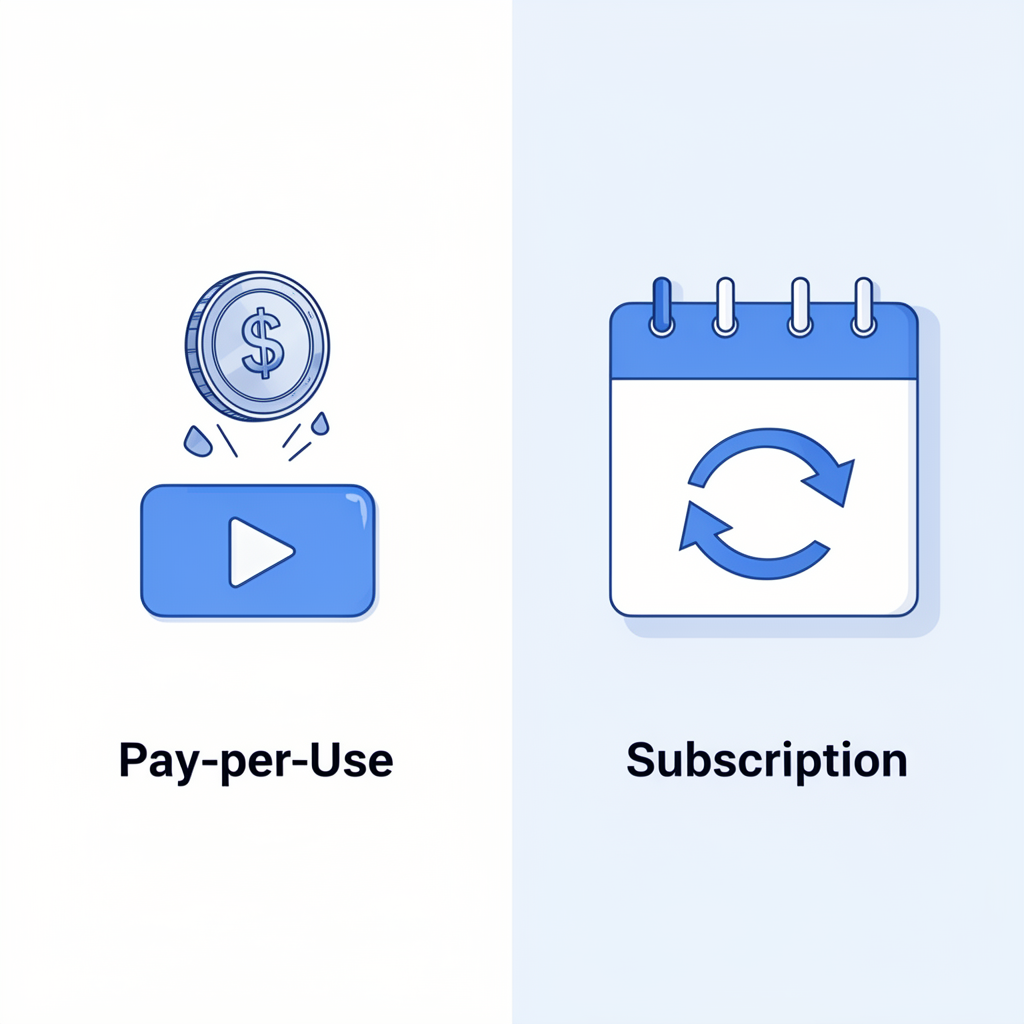
Table of Contents
- Why Pricing Model Matters More Than the Monthly Price
- How Pay-Per-Use AI Video Pricing Works
- How Subscription AI Video Pricing Works
- Pay-Per-Use vs Subscription: Side-by-Side Comparison
- Which Pricing Model Is Right for Your Business?
- What to Watch Out for When Comparing AI Video Prices
- Frequently Asked Questions
1. Why Pricing Model Matters More Than the Monthly Price
When businesses start comparing AI video generation tools, the first number they look at is the monthly price. But the monthly price alone can be misleading. A tool that costs $30 per month sounds affordable — until you realise the plan limits you to 10 videos, each capped at 30 seconds, with watermarks on everything below the top tier.
The pricing model is what actually determines how much AI video generation costs you. And in 2026, there are two dominant models: pay-per-use and subscription. Choosing the wrong one for your usage pattern means either overpaying for capacity you never use, or hitting limits at the worst possible moment.
This guide breaks down how both models work, what they each cost in practice, and which one makes sense depending on how often you create videos.
2. How Pay-Per-Use AI Video Pricing Works
With a pay-per-use model, you are charged only for the video you actually generate. There is no monthly commitment and no wasted spend on unused capacity. You load credits or pay directly per second, per clip, or per generation, and the cost scales exactly with your output.
Websistant's pay-per-use AI video generator charges $0.02 per second of video generated. That means:
- A 30-second clip costs $0.60
- A 60-second clip costs $1.20
- A 2-minute video costs $2.40
New accounts receive $5 in free credits, which is enough to generate several minutes of video before spending a cent.
Who pay-per-use works best for:
- Businesses that create video occasionally rather than on a fixed schedule
- Startups and small businesses testing AI video for the first time
- Teams with unpredictable video needs that spike around campaigns or launches
- Anyone who wants to try the technology without committing to a monthly plan
The main advantage is financial predictability in a different sense — you only pay when you produce. A slow month costs nothing. A busy month scales up automatically without penalty.
3. How Subscription AI Video Pricing Works
With a subscription model, you pay a fixed amount every month in exchange for a set allowance of video minutes, generations, or exports. Plans typically range from entry-level tiers (around $20 to $30 per month) up to professional and team tiers ($100 to $300 per month or more).
Popular AI video platforms that use subscription pricing include Runway, Kling, and Sora. Their plans generally include:
- A fixed number of video generations per month (often 50 to 200 credits)
- Limits on video length per generation (commonly 5 to 10 seconds per clip at entry level)
- Higher resolution and longer clips available on higher tiers
- Watermarks removed only from paid tiers
The catch is that credits expire at the end of each month. If you generate 10 videos in a quiet month but paid for 100 generations, the unused 90 are lost.
Who subscription pricing works best for:
- Content teams producing video consistently every week
- Agencies managing multiple clients with predictable monthly output
- Businesses where video is a core part of their marketing workflow, not an occasional add-on
4. Pay-Per-Use vs Subscription: Side-by-Side Comparison
| | Pay-Per-Use | Subscription | |---|---|---| | Monthly commitment | None | Fixed monthly fee | | Cost per video | Charged per second generated | Included in plan up to the credit limit | | Unused capacity | Nothing wasted | Credits expire monthly | | Scalability | Scales with your output automatically | Capped at your plan tier | | Best for | Occasional or variable video needs | High-volume, consistent production | | Risk | Higher cost per video at scale | Wasted spend in slow months | | Getting started | Instant, no commitment | Monthly billing begins immediately | | Example cost for 5 x 60-second videos | ~$6.00 | Included in plan (if under limit) | | Example cost for 50 x 60-second videos | ~$60.00 | Often covered by a mid-tier plan |
The crossover point — where a subscription becomes cheaper than pay-per-use — depends on volume. For most small businesses producing fewer than 20 videos per month, pay-per-use is almost always the more cost-effective choice.
5. Which Pricing Model Is Right for Your Business?
Choose pay-per-use if:
- You are creating fewer than 15 to 20 videos per month
- Your video needs vary significantly from month to month
- You are new to AI video and want to test before committing
- You want zero ongoing costs during months when you are not producing video
Choose a subscription if:
- You produce video consistently every week as part of a content calendar
- Your team needs a guaranteed monthly allocation that will always be there
- The per-video cost at your volume exceeds what a plan would charge
- You need advanced features (longer clips, higher resolution, team collaboration) that are only available on paid tiers
For a business just getting started with AI video, the practical advice is to begin with a pay-per-use tool, generate your first 10 to 20 videos, and see what your natural monthly volume looks like before committing to a subscription.
6. What to Watch Out for When Comparing AI Video Prices
Not all AI video pricing is as straightforward as it appears. Here are the most common traps to avoid when evaluating tools:
Credit definitions vary. On some platforms, one "credit" generates a 5-second clip. On others, it generates a full 60-second video. Always check what one credit actually produces before comparing plans.
Resolution limits by tier. Many subscription tools only offer 720p video on their entry plans. Full HD (1080p) or 4K output is locked behind higher tiers that can cost three to five times as much.
Watermarks on lower tiers. Some tools place a visible watermark on all videos generated below a certain plan level. Always check whether the tier you are evaluating produces clean, watermark-free output.
Overage charges. On subscription plans, generating more videos than your plan allows either stops your production until the next billing cycle, or charges you overage fees that can significantly increase your bill.
Free trial limits. Many platforms advertise a free trial but limit it to very short clips (3 to 5 seconds) that are not useful for real business video. Look for tools that offer meaningful free credits, like Websistant's $5 starting credit, that let you generate real, usable video before committing.
7. Frequently Asked Questions
Is pay-per-use AI video generation expensive compared to subscriptions? For low to moderate volumes, pay-per-use is almost always cheaper. The economics only shift in favour of subscriptions when you are generating large amounts of video consistently every month.
Do pay-per-use credits expire? On most platforms, including Websistant, purchased credits do not expire. This makes pay-per-use even more flexible for businesses with variable output.
Can I switch from pay-per-use to a subscription later? Yes. Most platforms allow you to upgrade at any time. Starting pay-per-use and moving to a subscription once your volume justifies it is a sensible approach.
What resolution do pay-per-use AI video tools produce? This varies by platform. Websistant produces standard MP4 output suitable for web embedding, social media, and business presentations.
Is there a free way to try AI video generation before paying? Yes. Websistant provides $5 in free credits to new accounts — enough to generate several minutes of video with no card required to start.
Ready to try AI video generation without a monthly commitment? Get started with Websistant — pay only for what you generate, with $5 in free credits to begin.